
Brand Kit consistency
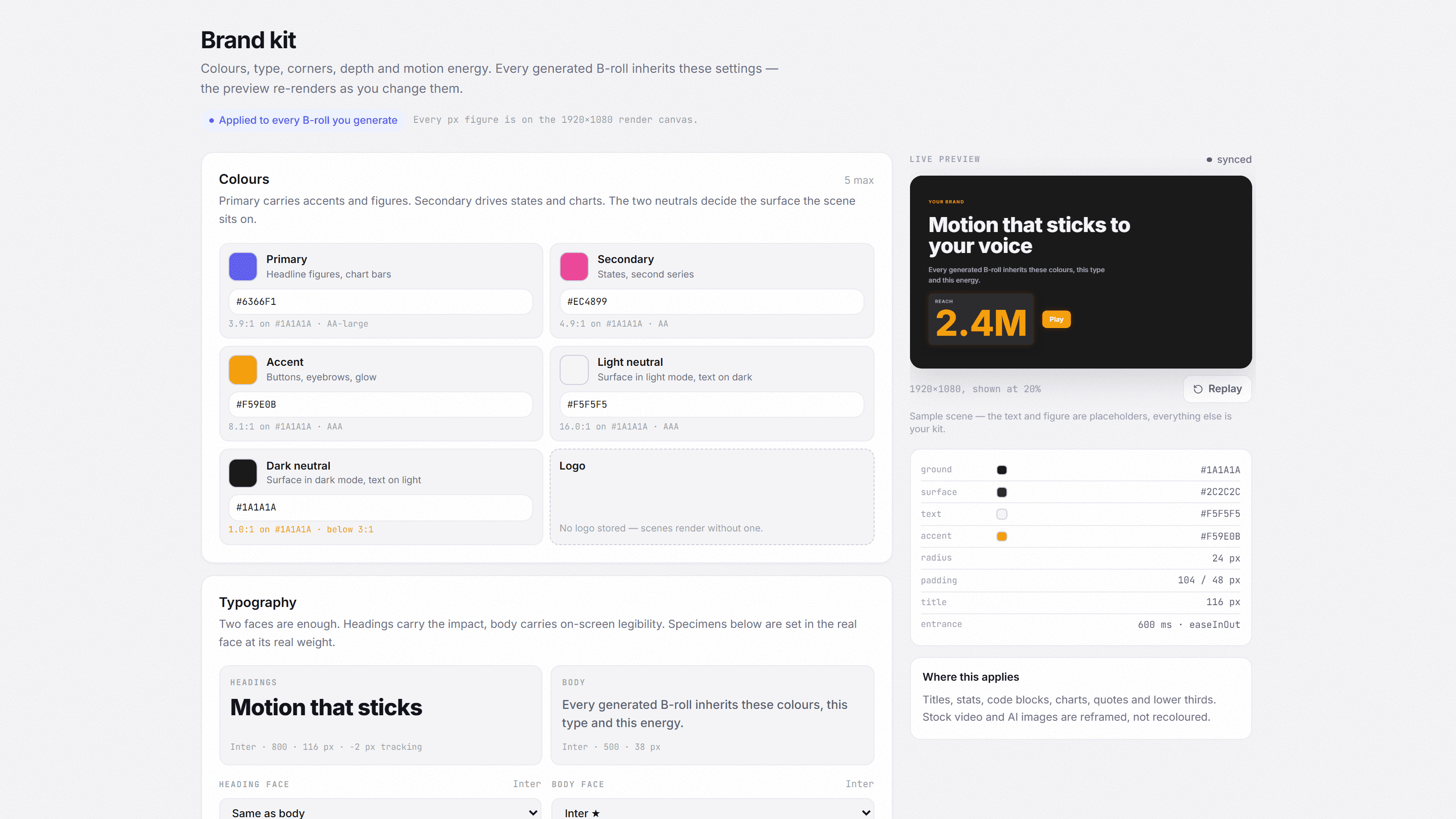
Store your colors, fonts and style once — every generated scene renders on brand, automatically.
What you get
Set it once
Define your palette, type and style, and every scene inherits it.
AI style suggestions
Not sure where to start? Let the AI suggest a coherent color and style set.
Consistent across videos
Your channel looks like one brand, not a patchwork of stock clips.
How it works
- 01
Create a Brand Kit
Save your colours, your typeface and your logo once. Two colours and one typeface are enough for every video to look like the same channel.
Colours- #6d5efc
- #12e0b0
- #0d0b1f
TypefaceSatoshiLogoTwo colours and one typeface are enough. This is what every generated scene reads to know it belongs to you. - 02
Generate scenes
Every generated scene reads the kit at render time: colours, type, corners, pacing. That is the difference between a video that looks like your channel and one that looks like software.
In your kitYour channel, everywhereSame colours, same type, same pacingThe kit's three colours are the rendered scene's colours, read at render time. Change the kit and the scenes you already generated change with it. - 03
Stay consistent
The kit belongs to your account and follows every project. A single project can depart from it when you edit for a client, without touching yours.
- React tutorial
- Podcast episode
- Short-form cut
#6d5efcThe same kit on all three, untouched.
From one video to the next, your channel looks like one brand instead of an assembly of clips. A single project can depart from the kit when you edit for a client.
Frequently asked
Try it on your next video
Seven days free, no card required.
Free 7-day trial, no card.